how to get past ai resume screening

You sent out 80 applications. Maybe 120. You refreshed your inbox for weeks. Nothing.
Most of the time, you're not underqualified. Your resume never reached a human. It was filtered out automatically by software that couldn't parse your layout, didn't find the right terminology, or ranked you below the cutoff before a recruiter ever opened the file.
Here's what's actually happening, and the three-step framework that fixes it.
- Format: single-column .docx or plain-text PDF, standard fonts, no tables/columns/graphics (rules)
- Keywords: 75%+ overlap with the job description, never copy-paste it (why)
- Impact: use the CAR method (Challenge, Action, Result) with real numbers (how)
Sources: Jobscan ATS Usage Report; Harvard Business School Hidden Workers Study; Jobscan State of the Job Search.
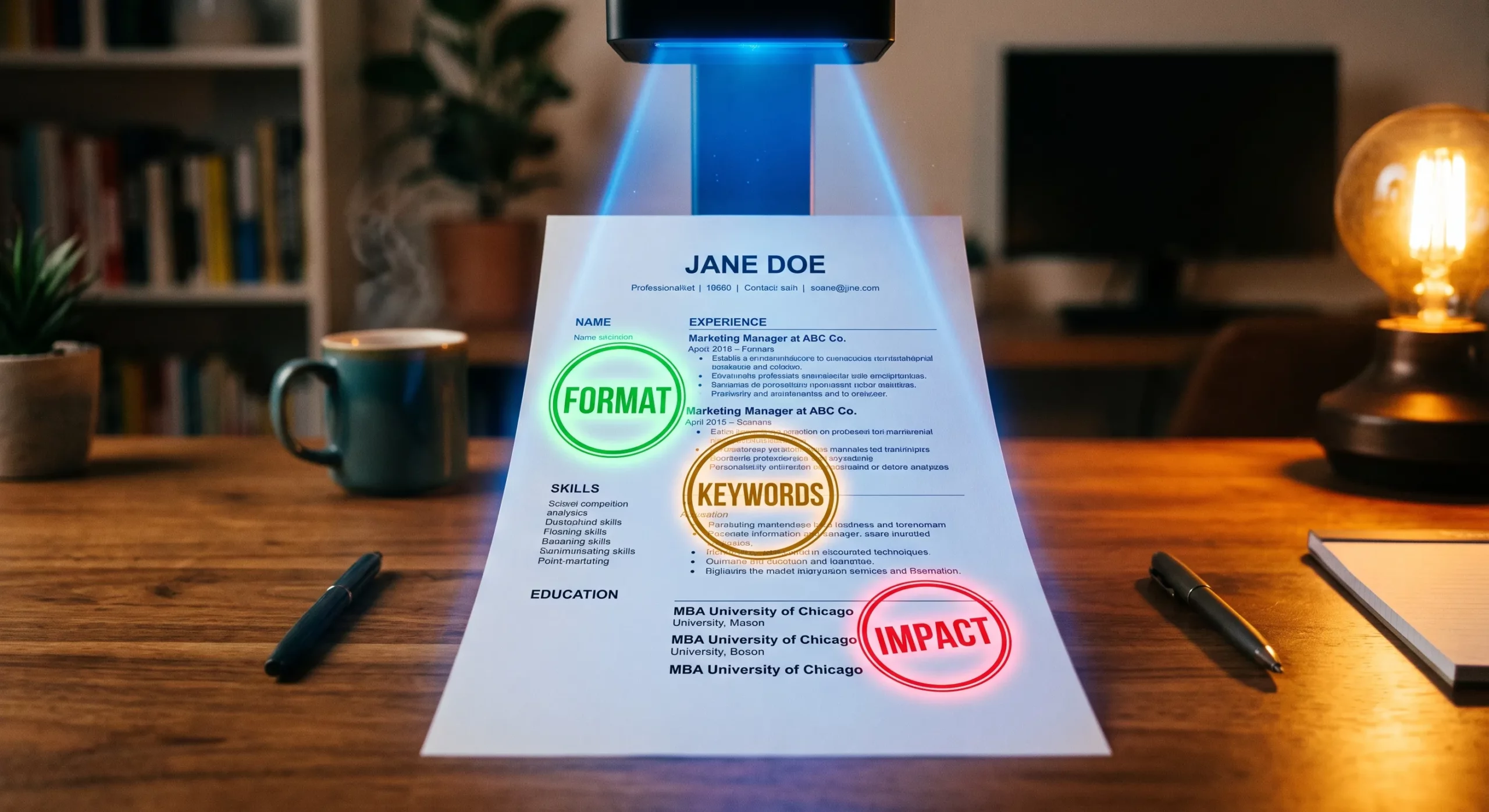
The 3-Step Framework to Pass AI Resume Screening
The whole playbook comes down to three fixable things. Get each one right and your resume stops getting filtered out silently.
Optimize your format
Single-column .docx or plain-text PDF. Standard fonts. No tables, columns, images, or headers/footers that hide contact info from the parser.
Format rules →Tailor keywords
Aim for 75%+ keyword overlap with the job description without copy-pasting it. Mirror the employer's exact terminology for skills and titles.
Keyword strategy →Quantify your impact
Use the CAR method (Challenge, Action, Result) with real numbers. "Reduced processing time 30%" scores. "Improved efficiency" doesn't.
CAR method →How AI Actually Reads Your Resume
When you click "submit" on an online application, your resume doesn't go to a recruiter's inbox. It goes through a multi-step automated pipeline. Most resumes never make it to step three.

- Parsing. The system breaks your resume into structured fields: name, contact info, job titles, dates, skills, education. If your formatting is too complex, this step fails silently and your data ends up garbled.
- Scoring. Your parsed profile is compared against the job description using keyword matching and increasingly, semantic analysis. You get a relevance score, often expressed as a percentage match.
- Ranking. Your score is compared against everyone else who applied. Recruiters typically only review the top-ranked candidates. The rest sit in the database, technically "received" but functionally invisible.
Two terms that get confused: ATS and AI screening. They're related, but not identical.
Applicant Tracking System (ATS)
A searchable database that parses your resume into fields and lets recruiters filter by keywords. Rule-based, blunt, and used by 97.8% of Fortune 500 companies.
AI-Powered Screening
A smarter scoring layer that evaluates context, career progression, and skill clustering using machine learning. Increasingly built directly into modern ATS platforms.
The problem usually isn't your experience. It's how your experience is communicated on the page. Get the format and the language right, and you stop losing to candidates who are objectively less qualified than you.
Why Qualified Candidates Get Filtered Out
A Harvard Business School study on hidden workers found that 88% of employers believe they lose well-qualified candidates to automated screening. Not because those candidates lacked experience, but because of how their experience was presented.
The most common reasons resumes fail before a human sees them:
- Formatting the parser can't read. Multi-column layouts, tables, text boxes, and decorative graphics look great on screen but break parsing engines. The system extracts garbled data and ranks you lower, or misses your experience entirely.
- Key information in headers or footers. Many ATS skip these sections. Your phone number, email, or LinkedIn URL can simply disappear from your parsed profile.
- Language mismatch. You write "teamwork." The job description says "cross-functional collaboration." The system may treat these as different qualifications, even if you have exactly what they need.
- No dedicated Skills section. AI tools often scan specifically for a structured skills block. Without one, your capabilities are harder to extract and score against the job requirements.
- Wrong file format. Some systems handle designed PDFs poorly. .docx is the safer default unless the posting specifies otherwise.
Step 1: Format Your Resume So AI Can Actually Read It
Simple beats beautiful when the first reader is an algorithm. A resume that photographs well on Canva might be completely unreadable to a parser. The goal is a document a machine can process without confusion, and that a human still wants to read afterward.
Do
- Use a single-column layout with standard headings: Summary, Work Experience, Skills, Education
- Save as .docx or a clean, text-based PDF, check the posting for format preference
- Keep contact info in the body, not in a header or footer
- Use readable fonts: Arial, Calibri, Georgia, or Helvetica
- Include the target job title from the posting in your summary near the top
Don't
- Use tables, text boxes, columns, or embedded graphics
- Add a headshot, logo, or stylized dividers
- Put key information inside a designed header or footer
- Use special characters like ampersands (&) or tildes (~) in place of words
- Submit a heavily designed visual resume to an online portal
- Hide keywords in white text. Modern parsers detect it and flag your application.
The 30-second parser test anyone can run
Before you submit, open your resume, select all, copy, and paste into plain-text editor (Notepad, TextEdit, or a plain email draft). If the result looks garbled, out of order, or missing sections, the ATS will see the same mess. This is the single fastest way to catch a format that's about to sink your application.
Not sure how your current resume scores against this list? Run it through our free analysis. You'll see formatting issues, missing keywords, and your match rate in under a minute.
Run Free Check →Step 2: Get the Keyword Match Right
This is where most job seekers go wrong in one of two directions. Either they ignore keywords entirely, or they stuff the resume with every term from the job description. Both fail.
Jobscan analysis of resumes that landed interviews recommends a match rate of 75% or higher against the target job description. Their 2025 State of the Job Search report shows that resumes above that threshold get significantly more callbacks. But a 100% match works against you. It triggers spam filters because the system infers you copied the description directly.
How to find the right keywords:
- Read the job description and note which terms appear more than once. Those carry the most weight in scoring.
- Use the employer's exact language where it's accurate to your experience. "Cross-functional collaboration" and "teamwork" are not the same to a parser.
- Include both the acronym and the spelled-out version. An AI looking for "PMP" may not recognize "Project Management Professional Certificate" on its own.
- Check spelling conventions. AI tools don't always reconcile "organisational behaviour" with "organizational behavior," which matters if you're applying across borders.
Step 3: Quantify Your Impact With the CAR Method
Keyword presence is one layer. Modern AI tools also evaluate how you describe your work. And that's where the biggest scoring gap opens up between candidates with identical experience.
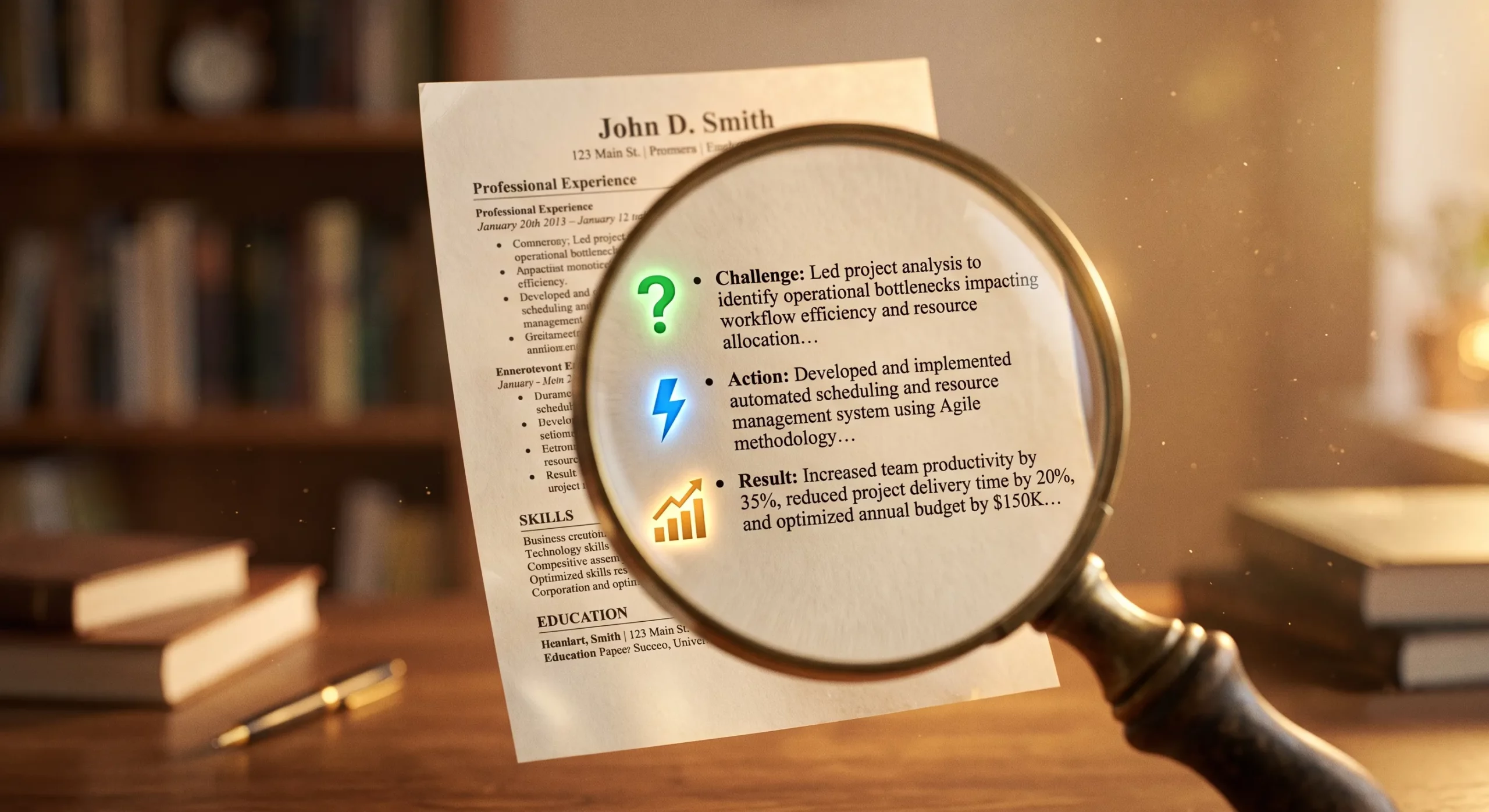
The framework recruiters and AI models both reward is called CAR (Challenge, Action, Result). Every bullet point on your resume should show all three:
- Challenge: the situation or problem you were handed. One phrase, not a paragraph.
- Action: the specific thing you did about it. A verb the parser can extract cleanly.
- Result: the measurable outcome. This is the part almost every candidate skips.
Compare these two bullet points:
- Weak: "Managed customer onboarding process and improved efficiency."
- Strong (CAR): "Inherited 40-day onboarding backlog. Rebuilt the intake flow and trained the CS team on the new process. Cut time-to-activation from 40 days to 12 across 300+ accounts."
The strong version gives the AI three concrete signals: a problem type, an action verb, and a quantified outcome. It also gives the human recruiter a specific story to remember. Both scoring layers reward this format.
Other things AI screeners look at:
- A dedicated Skills section gives parsers a clean extraction point. List technical tools, platforms, and methodologies relevant to your target role, even if they already appear in your bullet points.
- Soft skills matter more than they used to. Companies adopting skills-based hiring train their screening tools to detect interpersonal signals alongside technical ones. Listing "stakeholder communication" or "cross-functional leadership" in context carries real weight.
- Certifications need their full, standard names. Spell them out the first time, then abbreviate.
Pre-Submission Checklist
Run through this list before you hit submit on your next application. Every item maps to a specific reason AI screening rejects otherwise qualified candidates.
10-point pre-submission check
- File is .docx or a text-based PDF (not a scanned image or Canva export)
- Single-column layout with no tables, columns, or text boxes
- Contact info sits in the body of the document, not in a header or footer
- Standard fonts only: Arial, Calibri, Georgia, or Helvetica
- Section headings use standard names: Summary, Experience, Skills, Education
- Target job title appears in the professional summary near the top
- Keyword match with the job description is above 75% without being a copy-paste
- Every bullet point shows Challenge, Action, and Result (with numbers)
- Certifications and acronyms are spelled out on first use (PMP / Project Management Professional)
- Plain-text preview test passed: text is clean, ordered, and complete after copy-paste to a plain editor
If your resume clears all ten items, you've done the work AI screening rewards. If any item fails, that's where to start.
Verify Before You Submit
The most common reason job seekers stay stuck is sending the same untested resume to dozens of employers and assuming the silence means they're underqualified. It usually doesn't.
Most candidates fix the wrong things. They polish a summary that's already strong. They add bullet points to an experience section that already scores well. The actual problem is a header that breaks parsing, a missing skills block, a job title that doesn't match. It never gets surfaced because they never see what the AI sees.
That's the gap a quick automated check closes. Before you send another application, run your resume through the same kind of analysis the screening tools use. You'll find out in a minute what would otherwise take weeks of unanswered applications to learn.
Considering opting out of AI screening entirely? Read our breakdown of what that actually gets you (and when it backfires).
Frequently Asked Questions
How long does AI resume screening take?
Does hiding keywords in white text still work?
Can I opt out of AI resume screening?
What keyword match percentage should I aim for?
Does the job title on my resume really matter that much?
Stop guessing what's broken. See your real score in 60 seconds.
Free resume analysis. Find the exact issues holding you back.
- Match score against your target role
- Format & parsing issues flagged
- Compared to 638,000+ real profiles